
Choosing a Phone for Casual Games Without Overbuying
A phone for casual games needs to handle the titles you enjoy, feel comfortable in your hand and remain useful for the rest of the day. It does not automatically need the most elaborate gaming features. Short puzzle sessions, card games and simple daily challenges create different demands from long sessions with complex graphics. Before choosing a new or used device, look at how you play and what else the phone must do. This guide helps shoppers in Kenya compare practical features, test an actual handset and avoid paying for capabilities that do little for their usual routine.
Describe your ordinary play session
List the games you currently use and the situations in which you open them. Perhaps you play briefly while waiting, follow a daily challenge or spend more time on a puzzle at home. Note whether the game needs an internet connection, how much text appears and whether you usually hold the phone vertically or horizontally. These details give you useful questions to take into a comparison.
Think about interruptions too. Calls, messages and navigation may matter more than finishing a session. A phone that serves work and family life should move comfortably between those tasks. Decide whether you are replacing your everyday handset or considering a separate device. A second phone brings another battery, charger and set of updates to manage, so it should solve a real need.
Build a shortlist from exact requirements
Check the current requirements of the games with their providers, then identify the exact models and variants you are considering. Model names can cover different memory and storage options. Keep the shortlist connected to your actual titles and everyday tasks, rather than a general promise of gaming performance.
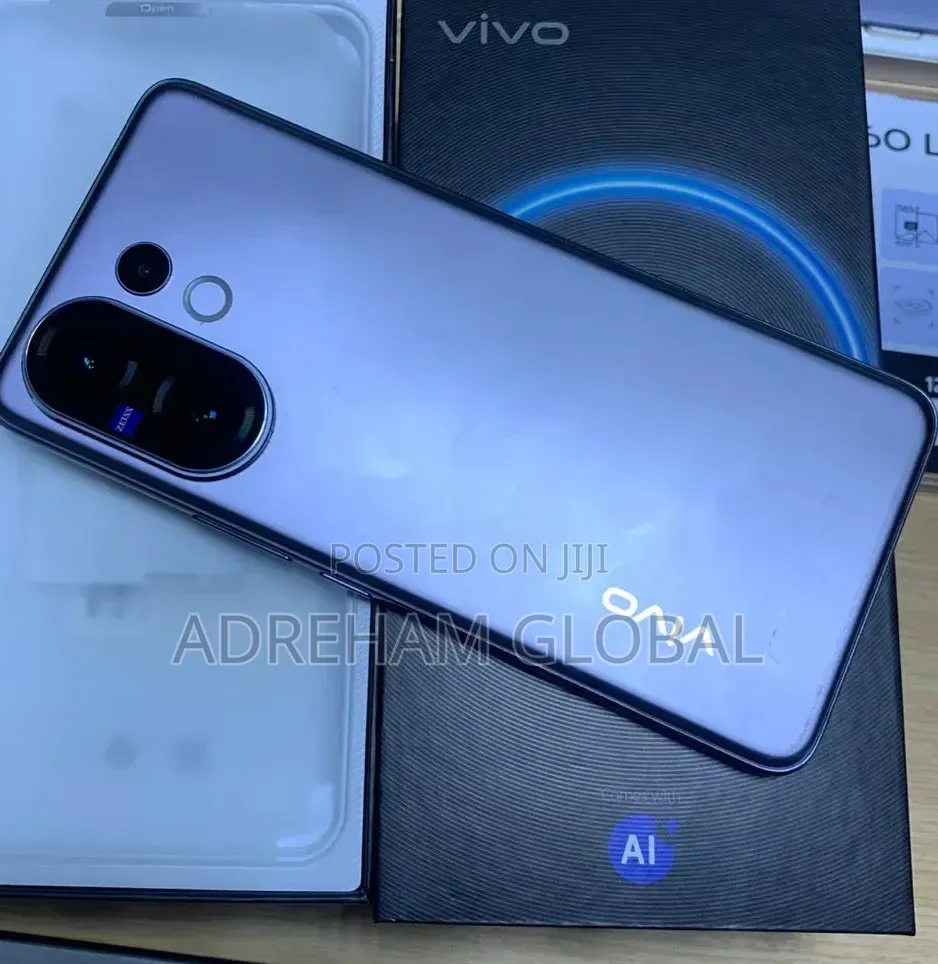
For devices offered in Kenya, Jiji Kenya can help you explore new and used phones from different sellers. Ask for the model identifier, storage, software version and condition of the specific handset. Use the listings to arrange useful checks, not to assume that a description such as “gaming phone” establishes compatibility or battery health.
Choose a screen you can read and control
Open a representative game and look at text, icons and the areas you tap most often. A larger screen may make controls easier to see, but it can also make one-handed use less convenient. Test the phone in the orientation you normally use. Check whether your fingers obscure important information or whether repeated movements feel awkward.
Inspect the display on plain light and dark backgrounds, and test touch response near the edges. Adjust brightness and see whether the screen remains readable in the conditions where you play. A colourful demonstration video does not test the same things as a game with small text or precise controls. Judge the actual experience, including scratches or damage on a used screen.
Test performance with ordinary tasks
If the seller permits it, try a representative game and move between it and your usual apps. Notice delays, crashes or repeated restarts. A specification list can suggest capabilities, but the particular phone’s condition and software also matter. Do not assume that more impressive numbers automatically produce a better experience with every simple title.
Ask whether a factory reset or software update has recently been carried out and confirm that the phone can be set up normally. Avoid unexplained modifications or promises that an essential fault will disappear after a later update. If the game cannot be tested before purchase, identify what remains uncertain and check the agreed return terms.
Give battery condition proper attention
A phone’s advertised battery capacity does not describe the health of a used battery. Ask about age, charging behaviour and any replacement. Use the handset long enough to notice sudden changes in charge or unusual heat during ordinary operation. A short demonstration cannot establish a full day’s endurance, so treat the seller’s claim as information to investigate.
Check the charging port, cable and adapter. Confirm that charging starts reliably and that the included accessories are suitable for the exact model. Damaged cables, swelling or an unexplained charging problem require attention before use. Follow the manufacturer’s guidance, and have a qualified technician assess faults rather than experimenting with improvised repairs.
Plan storage for games and everyday files
Look at the storage your current phone uses. Photos, messages, downloads and app data all share the available space. A device bought for a few casual titles still needs room for updates and ordinary tasks. Check the exact storage configuration and what is available after setup. If removable storage matters, confirm support for that particular model rather than assuming it from the brand.
Keep files organised so an unnecessary collection of downloads does not become a reason to replace a working device. Back up important photos and documents using a method you understand. Before resetting or selling an old phone, make sure you can access those copies and any accounts you will need on the replacement.
Check connectivity where it matters
Some games depend on a connection even when their graphics are simple. Confirm the requirements of the title and test Wi-Fi and mobile data on the phone. If you use your own SIM, make a call and check the functions relevant to your everyday routine. A brief test at the meeting point cannot establish reception everywhere, but it can reveal an obvious device problem.
Ask about the exact regional variant and verify compatibility with the network you use. Do not assume that every imported version has the same configuration. If the phone also provides a hotspot or connects to headphones, test those functions too. A gaming purchase should not leave you with a handset that fails at the ordinary connections you rely on.
Keep software and accounts manageable
Check the installed operating system and the manufacturer’s current support information for the exact model. A phone that runs a game today may still have a limited support period, which matters if you plan to keep it for several years. Verify essential app requirements directly. Avoid treating a seller’s statement that the software is “latest” as a complete answer.
On a used handset, make sure the previous owner’s accounts are removed through the normal process. Confirm that the device can be reset and activated without their credentials afterwards. Check that you can recover your own game accounts through the legitimate provider’s process. Never give a seller or another player your login codes to help transfer a device.
Look at comfort and accessories
Hold the phone for a while and notice weight, grip and how easily you reach the controls. A case may improve protection, but it can also change the feel and obscure a connector. Check accessories with the actual device where possible. A support or stand can help at a desk, provided it holds the phone securely and suits your viewing angle.
Choose additions only when they solve a problem. A casual title may not benefit from specialised triggers or other gaming hardware. Headphones, a suitable cable or a comfortable case may be more useful in ordinary life. Keep the total purchase practical, including items needed immediately to replace missing or damaged accessories.
Inspect the seller’s offer and payment terms
Ask what is included, which faults are known and what support is offered. Inspect the actual handset in a safe setting and keep a written record of the agreed condition. Compare new, used and refurbished descriptions carefully; ask what work was done on a refurbished device. A condition label should lead to questions rather than replace them.
Be cautious about pressure to pay before viewing or a claim that basic checks will take too long. Use a payment method that creates a record and confirm delivery arrangements if relevant. Do not let interest in a particular game rush the transaction. A patient inspection helps you judge the phone as an everyday device.
Make playing fit the rest of the day
Choose notification settings and session times that suit your routine. Daily tasks or streaks can be enjoyable, but they do not need to dictate when you pick up the phone. Keep calls, work and rest manageable alongside play. If you notice that a title encourages more spending or time than you intended, review its settings and your own limits before changing hardware.
Assess the new device after ordinary use. Notice whether it handles the chosen games reliably and whether battery, storage and comfort meet expectations. Record any early fault and contact the seller promptly under the terms you agreed. The goal is a phone that supports enjoyable play while remaining useful outside it.
The bottom line
Choose a casual gaming phone by checking real titles, screen comfort, battery condition and everyday compatibility. Confirm the exact variant, software status and account readiness before paying. Add accessories only when they solve a practical problem. A sound handset that fits your routine can be more useful than one selected mainly for a gaming label.
